App Store App Preview Size and Requirements (2026): Resolution, Length, Format
MockShot
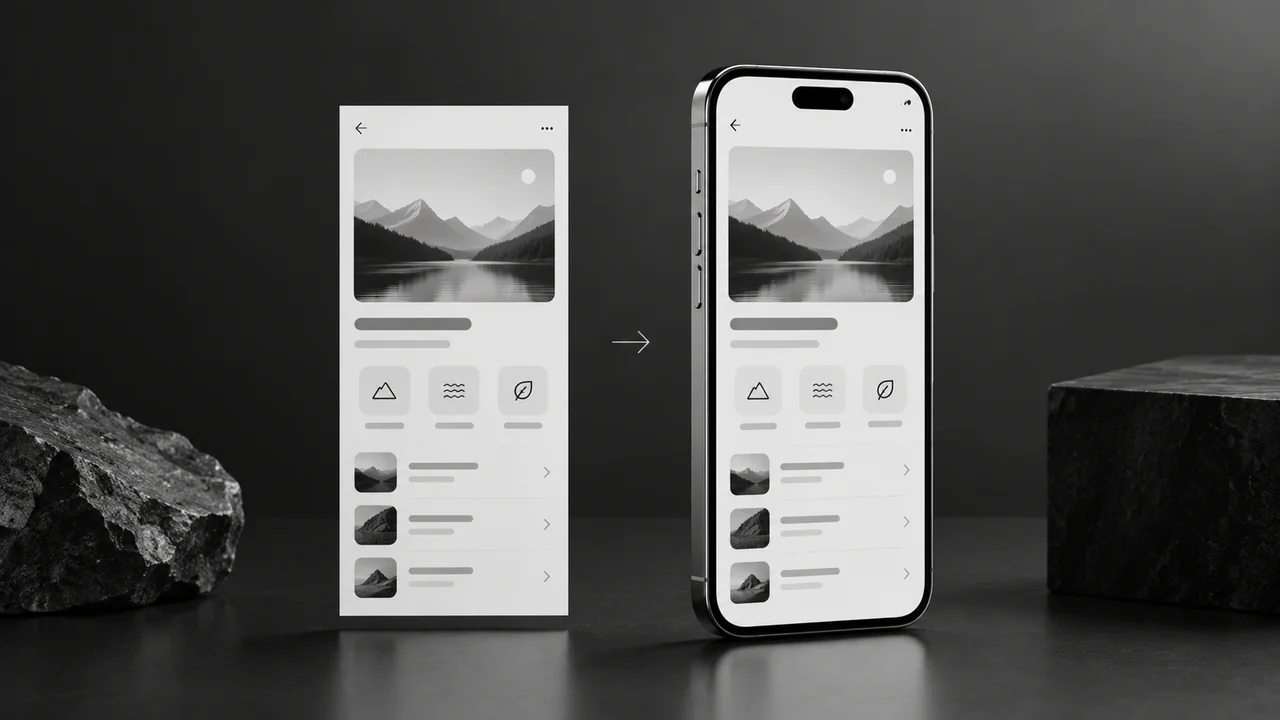
App Store app preview specs in one place: 886 × 1920 for iPhone, 1200 × 1600 for iPad, 15–30 seconds, H.264 or ProRes, 30 fps, stereo audio and up to three previews per size, checked against Apple's docs.
App Store app preview requirements, checked against Apple's app preview specifications on October 27, 2026:
- Optional. Up to 3 app previews per supported device size and language (iOS, macOS, tvOS, visionOS).
- Length: 15 to 30 seconds.
- File:
.mov,.m4vor.mp4(H.264), or.movwith ProRes 422 (HQ only). Max 500 MB. - Frame rate: up to 30 fps.
- Audio: stereo is required (256 kbps AAC for H.264; PCM or AAC for ProRes), 44.1 or 48 kHz, all tracks enabled.
- Resolution for modern iPhones: 886 × 1920 portrait or 1920 × 886 landscape.
- Resolution for iPads (13", 11", 10.5"): 1200 × 1600 portrait or 1600 × 1200 landscape.
- Mac and Apple TV: 1920 × 1080, landscape only. Apple Vision Pro: 3840 × 2160.
Previews always show before screenshots on iPhone, iPad, Mac and Apple TV, so the first few seconds of your video are effectively your first screenshot.
The thing that confuses everyone: device resolution vs accepted resolution
I lost an afternoon to this the first time. I screen-recorded on an iPhone 15 Pro, got a 1179 × 2556 video, and App Store Connect wouldn't take it. That's because Apple doesn't want the device's native resolution for previews. It wants one of a short list of accepted resolutions per display size. Apple says this outright: use the accepted resolution, not the device resolution, when preparing the file.
So for every recent iPhone with Face ID or Dynamic Island, the file is 886 × 1920 (portrait) no matter which exact model you recorded on. Scale or re-export to that.
iPhone app preview resolutions
| Display class (App Store Connect name) | Example devices | Accepted resolution |
|---|---|---|
| iPhone with Dynamic Island (large) | iPhone Air, 18 Pro Max, 17 Pro Max, 16 Pro Max, 16 Plus | 886 × 1920 / 1920 × 886 |
| iPhone with Face ID (large) | 14 Plus, 13 Pro Max, 12 Pro Max, 11 Pro Max, 11, XS Max, XR | 886 × 1920 / 1920 × 886 |
| iPhone with Dynamic Island (medium) | 18 Pro, 17 Pro, 17, 16 Pro, 16, 15 Pro, 15, 14 Pro | 886 × 1920 / 1920 × 886 |
| iPhone with Face ID (medium) | 17e, 16e, 14, 13 Pro, 13, 13 mini, 12 Pro, 12, 12 mini, 11 Pro, XS, X | 886 × 1920 / 1920 × 886 |
| iPhone with Home Button (large) | 8 Plus, 7 Plus, 6s Plus, 6 Plus | 1080 × 1920 / 1920 × 1080 |
| iPhone with Home Button (medium) | SE (3rd and 2nd gen), 8, 7, 6s, 6 | 750 × 1334 / 1334 × 750 |
| iPhone with Home Button (4") | SE (1st gen), 5s, 5c, 5 | 1080 × 1920 / 1920 × 1080 |
| iPhone with Home Button (3.5") | 4s, 4 | Previews not supported |
Apple's page also lists iPhone Duo with the same 886 × 1920 / 1920 × 886 accepted resolution. If you're also preparing Duo screenshots for the April 2027 requirement, the App Store screenshot sizes cheat sheet has those pixel sizes.
When previews at an accepted resolution aren't provided for a class, Apple falls back to scaled previews from a neighboring class. For example, medium Dynamic Island falls back to scaled Face ID (large). In practice, one 886 × 1920 video covers every modern iPhone if your UI looks the same across them.
iPad, Mac, Apple TV and Vision Pro
| Display | Accepted resolution |
|---|---|
| iPad 13" (iPad Pro M5/M4, iPad Air M4/M3/M2 and more) | 1200 × 1600 / 1600 × 1200 |
| iPad 12.9" (iPad Pro 2nd gen) | 1200 × 1600 / 1600 × 1200, or 900 × 1200 / 1200 × 900 |
| iPad 11" | 1200 × 1600 / 1600 × 1200 |
| iPad 10.5" | 1200 × 1600 / 1600 × 1200 |
| iPad 9.7" | 900 × 1200 / 1200 × 900 |
| Mac | 1920 × 1080 (landscape only) |
| Apple TV | 1920 × 1080 (landscape only) |
| Apple Vision Pro | 3840 × 2160 (landscape) |
Video and audio specs
| Spec | H.264 | ProRes 422 (HQ only) |
|---|---|---|
| Target bit rate | 10–12 Mbps | VBR ~220 Mbps |
| Video | Progressive, up to High Profile Level 4.0 | Progressive, no external references |
| Max frame rate | 30 fps | 30 fps |
| Audio | Stereo, 256 kbps AAC, 44.1 or 48 kHz | Stereo, PCM (16/24/32-bit) or 256 kbps AAC, 44.1 or 48 kHz |
| Extensions | .mov, .m4v, .mp4 | .mov |
Two things I've seen bite people. First, a silent screen recording with no audio track at all can be a problem. Apple asks for stereo with all tracks enabled, so add a silent stereo track if you have no music. Second, if you record at 60 fps (the default on a lot of setups), re-export at 30.
Other rules worth knowing
- Order: previews always come before screenshots on iPhone, iPad, Mac and Apple TV, even if you reorder them in the app record.
- Different aspect ratio: if the preview's ratio differs from your screenshots, it moves to the "A Closer Look" section of the product page instead.
- Poster frame: defaults to the 5-second mark. You can pick another frame.
- Processing: can take up to 24 hours after upload.
- Orientation: iOS previews can be portrait or landscape. macOS, tvOS and visionOS are landscape only.
- iMessage apps: previews aren't available.
- Localization: if a language has no preview, the one in the next best available language is used.
My export routine
- Record the real app on device or Simulator. Apple's previews are meant to show the app itself, so keep the footage honest.
- Trim to 15–30 seconds. Put the most useful screen in the first five, since that's also the default poster frame.
- Export H.264, 30 fps, about 10–12 Mbps, at 886 × 1920 for iPhone and 1200 × 1600 for iPad.
- Make sure there's a stereo audio track.
- Check the file size is under 500 MB (it almost always is at that bitrate).
- Upload, set the poster frame and give it time to process.
FAQ
What resolution should an App Store app preview be?
For current iPhones it's 886 × 1920 portrait or 1920 × 886 landscape. For iPads it's 1200 × 1600 or 1600 × 1200 (9.7" is 900 × 1200). Mac and Apple TV take 1920 × 1080, and Vision Pro takes 3840 × 2160.
How long can an app preview be?
15 seconds minimum, 30 seconds maximum.
How many app previews can I upload?
Up to three per supported device size and language.
Are app previews required?
No, they're optional. Screenshots are the required part.
Why was my screen recording rejected?
Usually because it's at the device's native resolution (like 1179 × 2556) instead of an accepted one like 886 × 1920, or it's over 30 fps, or it has no stereo audio track.
Sources
- Apple: App preview specifications, checked October 27, 2026. All sizes and limits here come from that page.
Previews vs marketing videos
The App Store preview should be the real app, captured and trimmed. A spinning 3D phone with your UI on it is a different job: it's great for a landing page, a launch post or an ad, but it isn't what Apple's preview slot is for. If you want that kind of clip for your site, MockShot Studio can turn a screenshot into a rotating device mockup video (video export is on the Pro and Lifetime plans). The 3D rotation video guide shows how.