Product Hunt Thumbnail and Gallery Sizes (240×240 + 1270×760)
MockShot
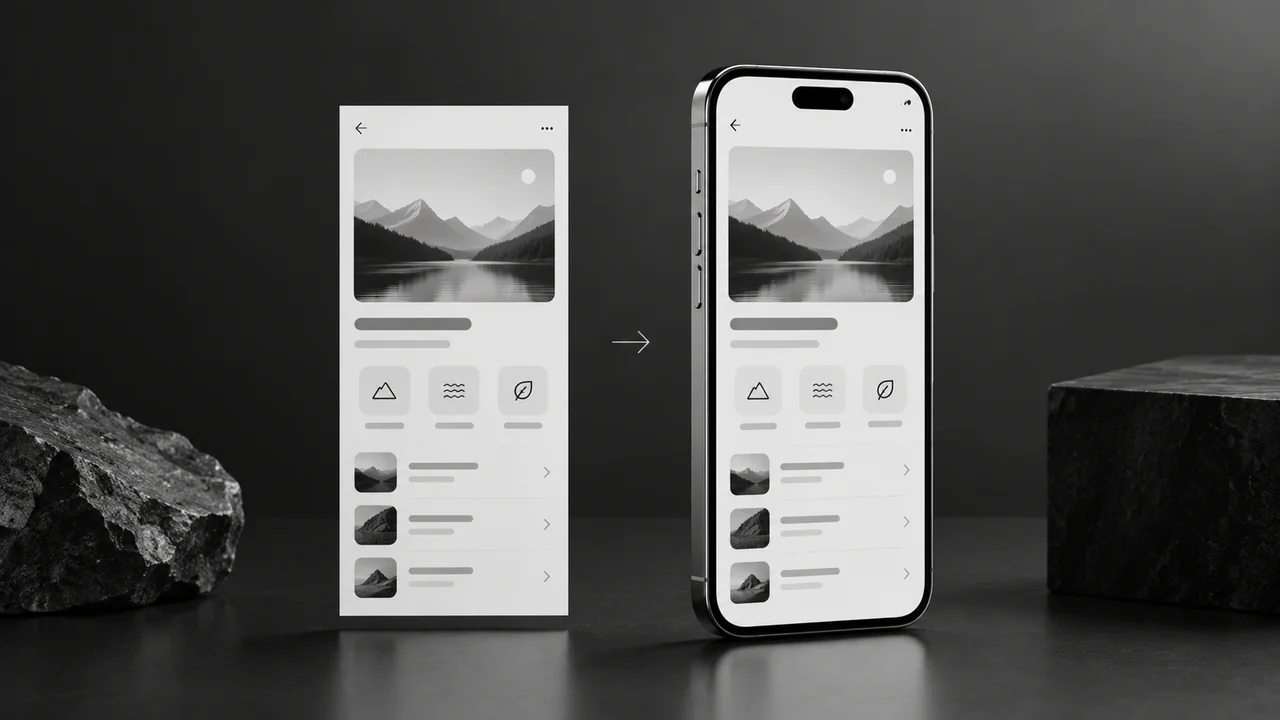
Product Hunt recommends a 240×240 square thumbnail (GIF under 3MB) and 1270×760 gallery images (need 2+). Checked against PH help on October 30, 2026 — recommendations, not App Store-style hard locks.
Product Hunt thumbnail and gallery sizes, checked against Product Hunt's help article on how to post a product on October 30, 2026:
- Thumbnail: Product Hunt recommends a square image at 240 × 240. GIF is allowed under 3 MB, and they ask you not to make it too flashy. GIFs only animate on hover. Strobing, quick cuts, or unreadable text can get edited by the Product Hunt team.
- Gallery: recommended size 1270 × 760. You need at least two images before the gallery is viewable. You can reorder images by drag-and-drop.
- YouTube videos: paste the full URL only (not a shortened link), and the video can't be private.
- Important: these are recommendations from Product Hunt's help page, not hard pixel locks like App Store Connect. Still, most launches look better when you hit the suggested sizes instead of uploading a random 16:9 screenshot and hoping.
I treat the thumbnail as the tiny logo people see in the feed, and the gallery as the place where the product actually shows up. Getting those two assets right matters more than polishing a tenth screenshot.
Thumbnail: 240 × 240 square
Product Hunt's help page says the best dimensions for a thumbnail are square, and recommends 240 × 240. That's small. A busy screenshot of your whole app will turn into mush. What works for me:
- Crop to something recognizable at a glance: the app icon, a single UI moment, or a very short wordmark.
- Keep contrast high. Soft gradients and thin lines disappear at that size.
- If you use a GIF, stay under 3 MB and keep the motion calm. Product Hunt notes that GIFs animate only on hover, and that strobing, quick cuts, or text you can't read may get edited by their team.
I usually export a still PNG first, then decide whether a subtle GIF is worth the extra file size.
Gallery: 1270 × 760, at least two images
The recommended gallery size is 1270 × 760. You need two or more images before the gallery becomes viewable. You can reorder them by dragging in the Product Hunt UI.
A practical set for me looks like this:
| Slot | What I put there |
|---|---|
| 1 | The clearest product shot: main screen doing the main job |
| 2 | A second screen or a short captioned frame that answers "how does it work?" |
| 3+ | Optional extras — onboarding step, result view, or a short before/after |
I compose gallery frames at exactly 1270 × 760 so nothing gets stretched on launch day. Product Hunt doesn't enforce App Store-style exact pixels, but uploading a 1170 × 2532 phone screenshot into a wide gallery slot usually looks awkward.
Videos
If you attach a YouTube video, Product Hunt asks for the full URL, not a shortened one, and the video must not be private. I paste the youtube.com/watch?v=... link and check that it's public before submitting.
FAQ
What size is a Product Hunt thumbnail?
Product Hunt recommends a square thumbnail at 240 × 240. GIFs are allowed under 3 MB.
What size is the Product Hunt gallery?
The recommended gallery size is 1270 × 760. You need at least two images before the gallery is viewable.
Are Product Hunt image sizes hard requirements?
No. Product Hunt's help page frames them as recommended dimensions. That's different from App Store Connect, where wrong pixel sizes fail the upload. Still, matching 240 × 240 and 1270 × 760 is the path of least regret.
Can I use a GIF for the Product Hunt thumbnail?
Yes, if it's under 3 MB and not too flashy. GIFs animate on hover; strobing, quick cuts, or unreadable text may get edited by Product Hunt.
How do I add a YouTube video to a Product Hunt post?
Use the full YouTube URL (not a shortened link), and make sure the video isn't private.
Sources
- Product Hunt Help: How to post a product, checked October 30, 2026. Thumbnail size, GIF limits, gallery size, reorder behavior, and YouTube rules in this post come from that page. Layout habits are my own, not Product Hunt rules.
Related
If you're also shipping to Apple's store, the pixel rules are stricter — see App Store screenshot sizes 2026 and How many screenshots does the App Store require?. For framing captures onto a fixed canvas with a solid background, Mockup backgrounds and export covers the export side.
Making the gallery frames
Any image editor can make a 1270 × 760 frame. If you want to drop screenshots into a fixed gallery size with a solid background, MockShot Studio runs in the browser: add your capture, pick a layout, and export. Whatever tool you use, check the final file against 240 × 240 for the thumbnail and 1270 × 760 for gallery images before you hit launch.