Rotato Alternative: Browser 3D Device Mockups
MockShot
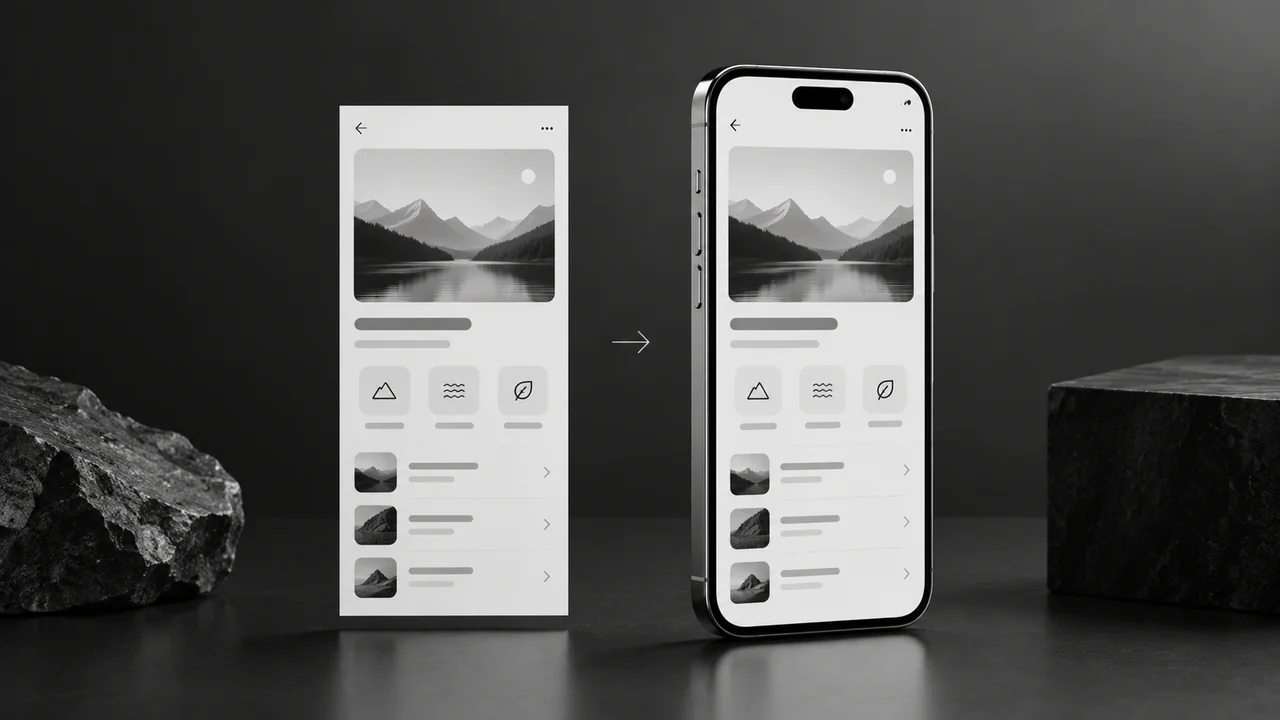
Looking for a Rotato alternative? Compare desktop 3D mockup apps with browser 3D device rotations in MockShot — when a short controlled turn is enough, and what stays on Pro.
Short answer: if you want a Rotato alternative that runs in the browser, open MockShot Studio, switch to 3D, drop a screenshot onto a phone or tablet frame, set a short controlled rotation, and preview the clip. Still-image 2D mockups export freely; watermark-free 3D stills and downloading a 3D rotation video sit on Pro / Lifetime. MockShot is not a full Mac desktop suite — it's the path when you need a device mockup or a short 3D rotation without installing another app.
People type "Rotato alternative" for a few overlapping reasons. Some left a paid Mac tool and want something lighter. Some never owned a Mac and still need a rotating phone in a launch video. Some only need a clean still with slight perspective, and a full desktop package is overkill. This post is about those tradeoffs — not a rewrite of the step-by-step rotation guide. For the pose and duration workflow itself, see Create a Controlled 3D Device Rotation Video.
What Rotato-style tools are usually for
Rotato (and tools in that lane) are built around high-quality 3D device scenes: pick a model, put your UI on the screen, orbit or animate, export a still or a video. That workflow is excellent when:
- You're on a Mac and already live in a local design stack
- You need cinematic camera moves, complex lighting, or long edited clips
- The mockup is the hero of a paid ad and every reflection counts
It gets heavy when:
- You just need a phone that turns 30–60 degrees so a status bar stays readable
- You're on Windows, Chromebook, or a borrowed laptop
- A teammate needs to tweak the same mockup without installing software
- The job is a landing-page still plus one short loop, not a motion-graphics package
Those last four cases are where a browser 3D mockup tool earns a look.
Browser vs desktop: the real differences
| Need | Desktop app (Rotato-style) | Browser (MockShot Studio) |
|---|---|---|
| Install / OS | Native app, typically Mac-focused | Any modern browser |
| Sharing a draft | File handoff or screen share | Same URL workflow for anyone on the team |
| 2D stills (flat device frames) | Often secondary | First-class: phones, tablets, laptops, watches, displays |
| Controlled 3D rotation | Deep camera / lighting controls | Start/end pose, short duration, readable screen |
| Long cinematic edits | Strong fit | Not the job — keep motion short |
| Pricing shape | Desktop license / subscription | Free 2D stills; Pro/Lifetime for clean 3D export |
Neither side "wins" in the abstract. A launch film with custom lighting still belongs on a desktop suite. A product page that needs an iPhone 15 Pro still and a five-second turnaround usually doesn't.
When MockShot's 3D rotation is enough
I treat MockShot 3D as enough when all of these are true:
- The screenshot is the message — people need to read the UI, not admire the bezel chrome.
- The move is a short arc (roughly a few seconds to about twenty), not a multi-shot edit.
- One or two devices carry the story (phone + optional tablet or laptop), not a crowded tabletop scene.
- Destination is web, social, or a pitch deck — not a broadcast package with color-managed grades.
The existing guide walks the poses and duration carefully: prepare the device and screen, set start and end poses, keep the display facing the viewer long enough to read, then export. Use that page when you're ready to click through. This page is only about whether you should be in a browser tool at all.
Frames you can actually pick today
When I checked the live catalog on November 3, 2026, enabled frames covered phones, tablets, laptops, watches, displays, desktops and smart-home — not browser chrome / Safari / Chrome window frames. Phone ceiling examples that matter for most Rotato-alternative searches:
- Apple phones: iPhone SE / 8 through iPhone 15 / 15 Plus / 15 Pro / 15 Pro Max (no iPhone 16 or 17 frames yet)
- Google: Pixel through Pixel 8
- Samsung phones: through Galaxy S24 Ultra, plus older S20/S21 and Note lines
- Tablets: iPad, iPad Air 5, iPad Mini, iPad Pro 11" / 13", Pixel Slate, Surface Pro 3/4
- Laptops: MacBook Air 13", MacBook Pro 14" / 16", Dell XPS 13/15, Surface Book, MacBook 12"
- Watches: Apple Watch Series 5 / 8 / Ultra / Ultra 2, Galaxy Watch 4
These are presentation models, not CAD of last week's hardware. Fine for a marketing rotation; say so if a client asked for a specific unreleased bezel.
Soft comparison checklist (honest)
Choose a desktop Rotato-class app when: you need deep lighting, long edited video, offline-only work, or Mac-native pipeline hooks.
Choose a browser Rotato alternative (MockShot) when: you want zero install, fast 2D stills plus a short 3D turn, and teammates who shouldn't babysit license seats.
Stay on 2D only when: a front-facing flat mockup already sells the UI. Perspective for its own sake slows shipping.
Pricing, without the hype
Checked against the pricing page as of November 3, 2026:
- Free: unlimited 2D still-image exports; screen uploads in 2D and 3D; built-in backgrounds and canvas ratios; 3D stills with a MockShot watermark; 3D video preview (no video download).
- Pro ($9.9/mo) or Lifetime ($199): watermark-free 3D stills, 3D video export, custom background uploads, independent image layers in 2D.
So "browser Rotato alternative" does not mean unlimited free cinematic exports. It means you can try the 3D composition for free, ship clean 2D anytime, and pay when you need a watermark-free 3D still or a downloadable rotation.
A practical path if you're evaluating today
- Open MockShot Studio and place your real screenshot on an iPhone 15 Pro or Pixel 8 frame in 2D first. If the still already works, stop there.
- Switch to 3D only if depth or a short turn helps the story.
- Follow the controlled 3D rotation guide for poses and duration — keep the screen readable.
- Preview the clip. Upgrade only if you need the downloaded video or a clean 3D still.
If Rotato (or another desktop tool) already fits your Mac pipeline and you ship complex motion every week, keep it. If you mainly need a dependable device mockup and an occasional short 3D rotation without another install, the browser path is the alternative worth testing this afternoon.