Best Mockup Generators for 2027 (Free and Paid), Compared Honestly
MockShot
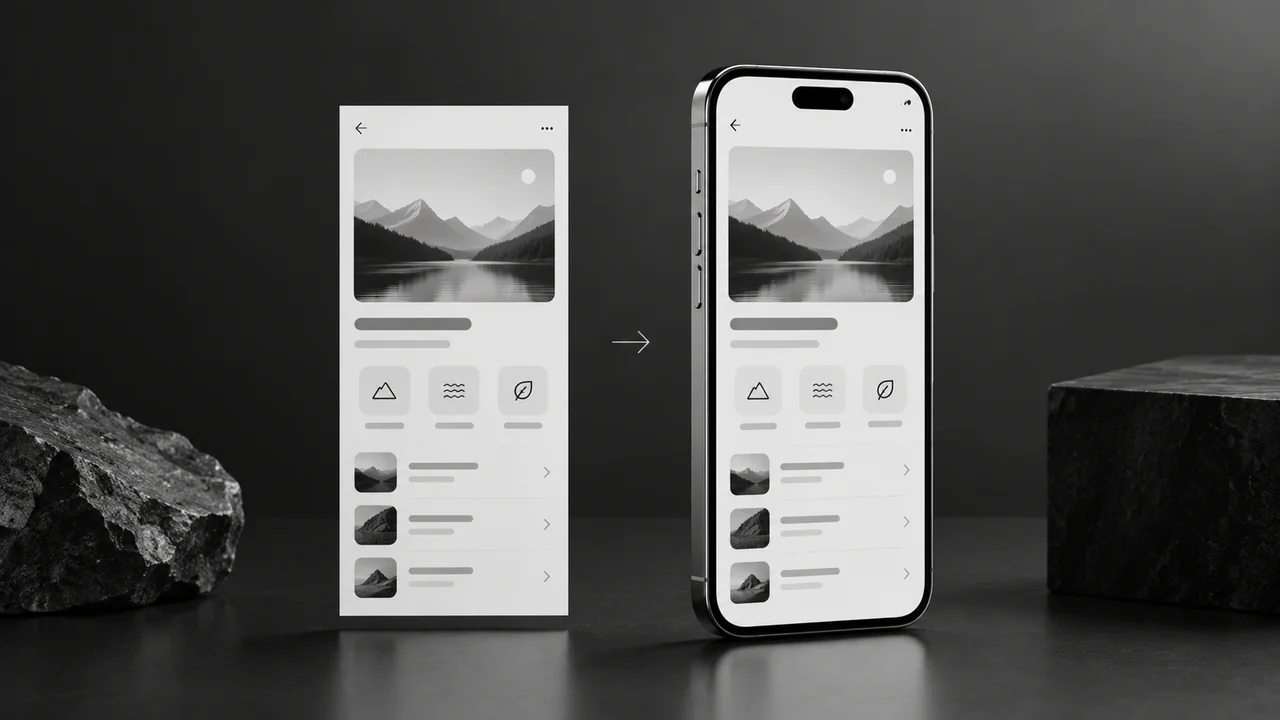
A practical look at the best mockup generators heading into 2027: Rotato, Mockuuups Studio, Canva Mockups, Shots, Previewed and MockShot. What each is good at, what's free and who should pick what.
Short answer: there isn't one "best" mockup generator for 2027 — there's a best fit for the job. If you want a desktop 3D studio on a Mac, look at Rotato. If you want a huge library of photographic, lifestyle-style mockups, Mockuuups Studio is built for that. If you live in a general design tool already, Canva Mockups is the low-friction choice. For quick browser mockups with lots of styling presets, Shots and Previewed are popular. And if you want a browser editor where 2D still exports are free with no account, plus an optional short 3D rotation, that's what we built MockShot Studio for.
I wrote this list in early November 2026, looking ahead to what people will reach for next year. Every claim below comes from each tool's own website as of November 4, 2026. Pricing and features in this category change often, so check the vendor's page before you buy anything.
How I'd judge a mockup generator in 2027
Before the list, here's the checklist I actually use. Most "best of" posts skip it, and that's how people end up paying for features they never touch.
- Where does it run? Browser, Mac app, or a plugin inside another tool. A Mac-only app is a non-starter for a Windows teammate.
- What do you get for free? Watermarked previews, a few trial exports, or real exports you can publish. These are very different things.
- Still images or motion? A landing page needs a sharp PNG. A launch tweet might want a five-second rotation. Very few people need both every week.
- Device catalog vs. scene library. Some tools give you clean device frames. Others give you photos of hands holding phones in coffee shops. Pick based on where the image will live.
- Licensing. Free exports are sometimes personal-use only. If it's for a client or an App Store listing, read the license.
- What happens to your screenshot? If the UI isn't public yet, it matters whether the file is processed locally or uploaded to someone's server.
The shortlist
Rotato — desktop 3D for Mac users
Rotato is a native macOS app (its pricing page says macOS 11 or newer, on most Macs from around 2015 onward). It's sold as a one-time payment rather than a subscription, in Basic, Standard and Premium tiers, with 6–12 months of new devices and features depending on the tier. Basic covers phone mockups only; the higher tiers add laptops, desktops, multi-device scenes and template packs. It exports high-resolution video and stills from its own renderer.
Good for: designers on a Mac who make polished 3D device videos regularly. Think twice if: you're on Windows or Linux, or you only need a flat still now and then. I covered that tradeoff in more depth in Rotato alternative: browser 3D device mockups.
Mockuuups Studio — big photographic library
Mockuuups Studio advertises a library of 5,300+ mockups, including many realistic "in context" scenes. Its pricing page lists pay-per-export packs from $5 per mockup, a Professional plan from $12/month (billed $144/year), and Team seats from $18 per person per month. New accounts get 5 free exports, but the FAQ says trial and free exports are for personal use only; paid exports carry a commercial license.
It's also not just a website: there's a desktop app for Mac, Windows and Linux, and plugins for Figma, Sketch, Adobe Express and Penpot. They add new device angles shortly after launches, so it's one of the few places where very recent phone models show up quickly.
Good for: marketers who want lifestyle imagery — a laptop on a desk, a phone in someone's hand. Think twice if: you just need a clean device frame on a plain background, where a scene library is overkill.
Canva Mockups — if you already work in Canva
Canva's mockup feature sits inside the main Canva editor and covers phone and website mockups as well as physical products like T-shirts and books. The advantage isn't depth; it's that your mockup lands in the same design as your social post or slide deck.
Good for: teams already paying for and working in Canva. Think twice if: you need precise device frames for a specific phone model or App Store-style layouts.
Shots — styled browser mockups and animation presets
Shots runs in the browser and leans into styling: lots of backgrounds, layout presets, filters, animation presets and zoom effects, with social-media frame sizes for export. It's a quick way to make a screenshot look "designed" for social posts.
Good for: makers posting product updates on X, LinkedIn or Dribbble. Think twice if: you want a plain, accurate device frame with nothing extra.
Previewed — App Store layouts plus 3D
Previewed is another browser tool. Its site covers 2D images for App Store and Google Play, 3D snapshots and 3D animations, and cloud-saved templates you can share with a team. It lists Free, Pay-as-you-Download and Subscription plans.
Good for: app teams that want store-screenshot layouts and some 3D in one place. Think twice if: you don't want your work saved to an account in the cloud.
MockShot — free 2D stills in the browser, optional short 3D
Yes, this is our tool, so read this part with that in mind. Here's what it does and doesn't do as of November 4, 2026:
- Runs in the browser, no account needed for 2D. You can open the editor, drop in a screenshot and export a PNG as a guest. Unlimited 2D still-image exports are free.
- Local processing. Screenshots you import are processed in your browser and kept in a local draft, not uploaded to a public library.
- Export formats. PNG, JPG, WebP or SVG (the SVG wraps a rendered image, it isn't editable vectors). PNG keeps a transparent background.
- Device frames. Phones up to iPhone 15 / 15 Pro Max, Pixel 8 and Galaxy S24 Ultra, plus iPads, MacBooks, Dell XPS laptops, iMacs, TVs and Apple Watch frames. There are no iPhone 16 or 17 frames and no browser-window frames yet.
- 3D. One device at a time with adjustable angles and a 3–20 second animation. Preview is free; 3D stills export with a watermark on the free plan, and video download needs Pro ($9.9/month) or Lifetime ($199). See pricing.
Good for: developers and small teams who need clean device stills quickly, with the occasional short rotation. Think twice if: you need lifestyle photos, the newest phone bezels, or long cinematic edits.
Quick comparison
| Tool | Runs on | Free option (per vendor site) | Strongest at |
|---|---|---|---|
| Rotato | macOS app | — (one-time paid tiers) | Desktop 3D video |
| Mockuuups Studio | Web, desktop app, Figma plugin | 5 trial exports, personal use | Photographic scenes |
| Canva Mockups | Browser (Canva) | Part of Canva | Mockups inside existing designs |
| Shots | Browser | Free mockups | Styled social visuals |
| Previewed | Browser | Free plan available | Store layouts + 3D |
| MockShot | Browser | Unlimited 2D stills, no signup | Clean device stills, short 3D |
What I'd actually pick
- Solo developer shipping an app update: a browser tool with free stills. Make the 2D images first; add motion only if the launch really needs it.
- Agency making client launch videos every month: a desktop 3D app like Rotato pays for itself.
- Marketing team building ads and blog headers: a scene library like Mockuuups, or Canva if that's where the team already works.
- You just need one image today: don't buy anything. Use a free option, check the license, and ship.
If your job is "screenshot in, clean device mockup out," try it in MockShot Studio — no signup, and you'll know within a couple of minutes whether it fits. If it doesn't, the list above should point you to something that does.