iPhone Duo App Store Screenshot Sizes (Required April 2027)
MockShot
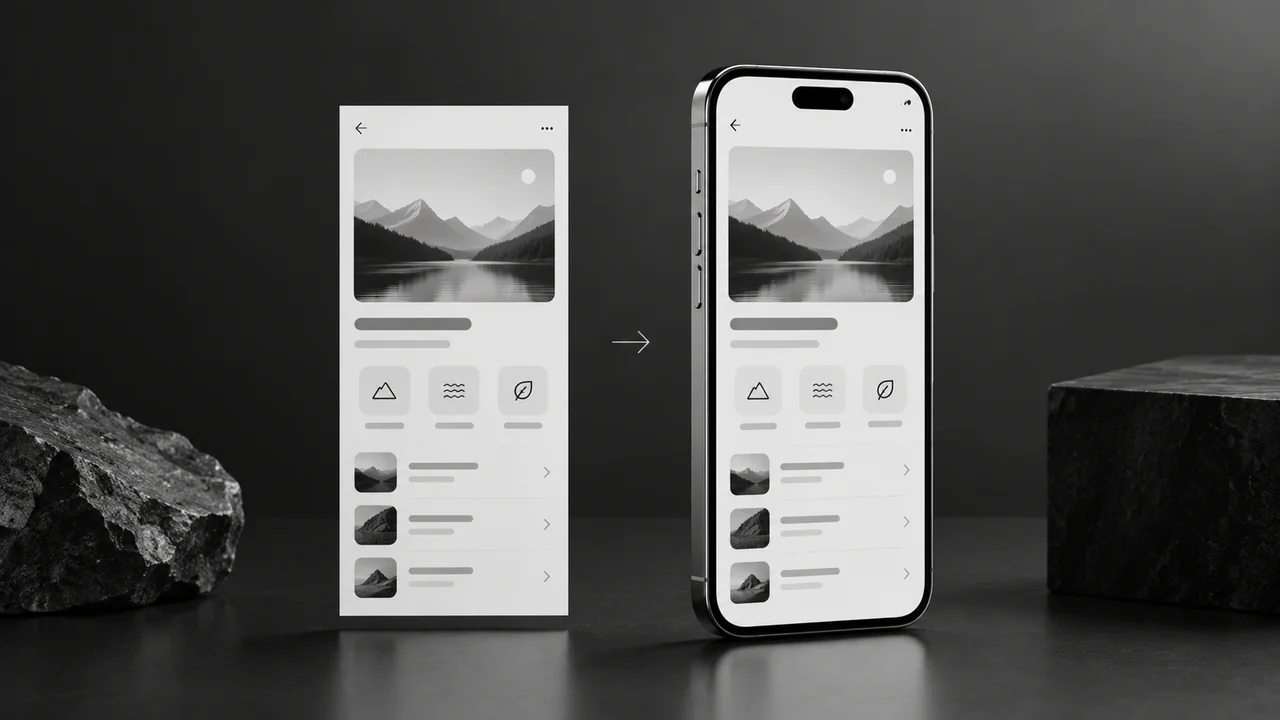
iPhone Duo App Store screenshot sizes: outer display 1398 × 2034 and inner display 2007 × 2853, required from April 2027 for apps on the iOS 27.1 SDK. Checked against Apple's specs.
iPhone Duo screenshot sizes, checked against Apple's screenshot specifications on October 28, 2026:
- Outer display: 1398 × 2034 px portrait, or 2034 × 1398 px landscape
- Inner display: 2007 × 2853 px portrait, or 2853 × 2007 px landscape
- When it becomes required: starting April 2027, for any app using the iOS 27.1 SDK or later
- Files:
.jpeg,.jpgor.png, no alpha channel or transparency, 1 to 10 screenshots per device size - Bonus: once you submit iPhone Duo screenshots, your product page shows a badge saying the app is optimized for iPhone Duo
That's the whole answer. The rest of this post is how I'd actually get those files made without redoing the entire screenshot set.
Why this one is worth doing early
Most new iPhone sizes don't need any work from you. App Store Connect scales your biggest set down, and nobody notices. iPhone Duo is different in two ways. It has two displays with two separate pixel sizes, and Apple has put a date on it: April 2027, tied to the iOS 27.1 SDK. If you ship regular updates, you'll move to that SDK eventually, and from then on the Duo slots aren't optional.
I'd rather sort it out now, in a quiet week, than discover it the night before a release when the upload page won't let me submit.
The two sizes side by side
| Display | Portrait | Landscape | Rough shape |
|---|---|---|---|
| Outer | 1398 × 2034 | 2034 × 1398 | A bit taller than wide, close to 2:3 |
| Inner | 2007 × 2853 | 2853 × 2007 | Also close to 2:3, but bigger |
The thing to notice: neither of these is the tall, skinny shape of a normal iPhone screenshot. A regular iPhone with Dynamic Island (medium) set is 1179 × 2556 or 1206 × 2622, which is a lot taller relative to its width. So you can't just resize your existing iPhone screenshots to 1398 × 2034. You'd either squash them or end up with big empty bands. Plan on a fresh layout for the Duo sizes.
What Apple actually says (and what it doesn't)
From the specification page, word for word on the important bits:
- "Starting in April 2027, screenshots will be required for any app using the iOS 27.1 SDK or later."
- "When you submit iPhone Duo screenshots in App Store Connect, your App Store product page will display a badge to let people know your app is optimized for iPhone Duo."
- Images "can't include alpha channels or transparencies."
What Apple doesn't spell out on that page: whether you need both outer and inner screenshots, or whether one display can fall back to the other. The page lists both sizes under iPhone Duo and doesn't give a scaling note for them the way it does for older iPhone classes. My take is to supply both and not test the edge case on a release day. If App Store Connect shows you something different when you open the iPhone Duo slot, trust what's on screen over any blog post, including this one.
Apple also has a Get ready for iPhone Duo hub with design videos, the Xcode 27.1 download and a "Preparing your app for iPhone Duo" guide. Worth a look before you capture anything, because your screenshots should show the app actually adapting to the inner display, not a stretched phone layout.
How I'd make the screenshots
- Get the app running on the right layout first. Build with Xcode 27.1 and check the inner display layout in the simulator. A screenshot of a phone UI floating in the middle of a wide canvas looks lazy, and reviewers notice too.
- Capture the outer and inner display separately. Treat them like two device classes, the same way you'd treat iPhone and iPad.
- Pick a short story. Three to five screens is usually plenty. You can upload up to 10 per size, but you don't have to fill them.
- Lay out each set at the exact pixel size. 1398 × 2034 for outer, 2007 × 2853 for inner, or the landscape versions if your app reads better that way.
- Flatten before export. No transparency, no alpha channel. This is the most common upload error I see, and it usually comes from a PNG with a transparent background.
- Check the dimensions on the exported file, not the canvas. One pixel off and App Store Connect refuses it.
Keep the rest of your screenshot set as it is
Adding Duo doesn't change the base requirement. To submit an iPhone app you still need at least one screenshot for iPhone with Dynamic Island (medium display), and an iPad 13-inch screenshot if the app supports iPadOS. The App Store screenshot sizes cheat sheet has every other class in one table.
If you also make app previews, Apple's preview spec lists iPhone Duo with the same 886 × 1920 (or 1920 × 886) accepted resolution as other modern iPhones. Details are in the App Store app preview size guide.
FAQ
What size are iPhone Duo App Store screenshots?
Outer display: 1398 × 2034 portrait or 2034 × 1398 landscape. Inner display: 2007 × 2853 portrait or 2853 × 2007 landscape.
When are iPhone Duo screenshots required?
Starting April 2027, for any app using the iOS 27.1 SDK or later, according to Apple's screenshot specifications.
Can I resize my normal iPhone screenshots to the Duo size?
Not cleanly. The Duo sizes are much closer to 2:3 than a regular iPhone screenshot, so a straight resize will distort or leave empty space. Make new layouts.
Do I get anything for uploading Duo screenshots?
Yes. Apple says the product page shows a badge telling people the app is optimized for iPhone Duo.
Can the screenshots be transparent PNGs?
No. App Store Connect doesn't accept alpha channels or transparency in screenshots.
Sources
- Apple: Screenshot specifications, checked October 28, 2026. Every pixel size and date in this post comes from that page.
- Apple: Get ready for iPhone Duo
Laying out the Duo set
Once your captures are ready, you still need to place them on a canvas at 1398 × 2034 and 2007 × 2853 and export clean, opaque files. If you'd rather not do that in a design app, MockShot Studio runs in the browser: drop in a screenshot, pick a layout and background, and download a PNG or JPG. Whatever tool you use, check that the final file is exactly the Duo pixel size before you upload, and keep the UI accurate for the store listing.